 VDEX
iPhone
Open Vdex in Safari, tap Share (the square with an arrow), then Add to Home Screen.
What’s inside
I made Vdex so the booking, the people, the kit, the call sheet, the hours and the invoice all live in one place. Swipe the Rolodex at the top to move between the cards.
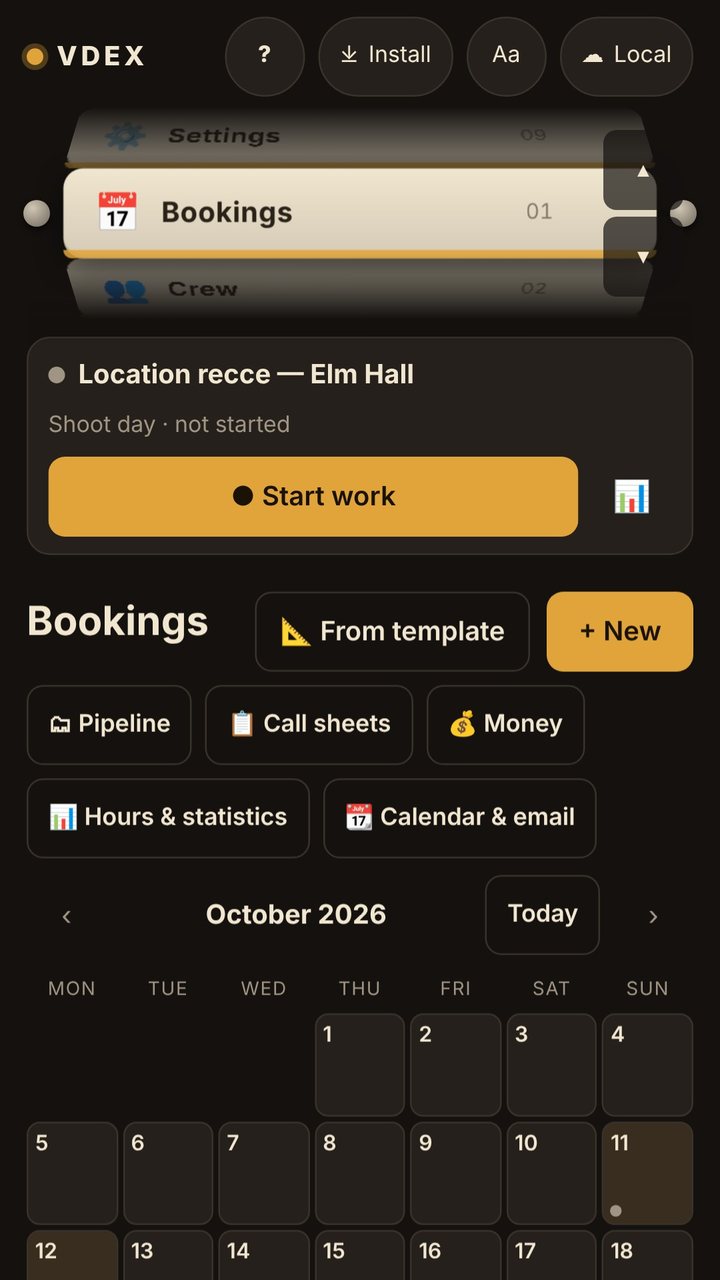
A calendar of your shoots, from the first enquiry to paid.
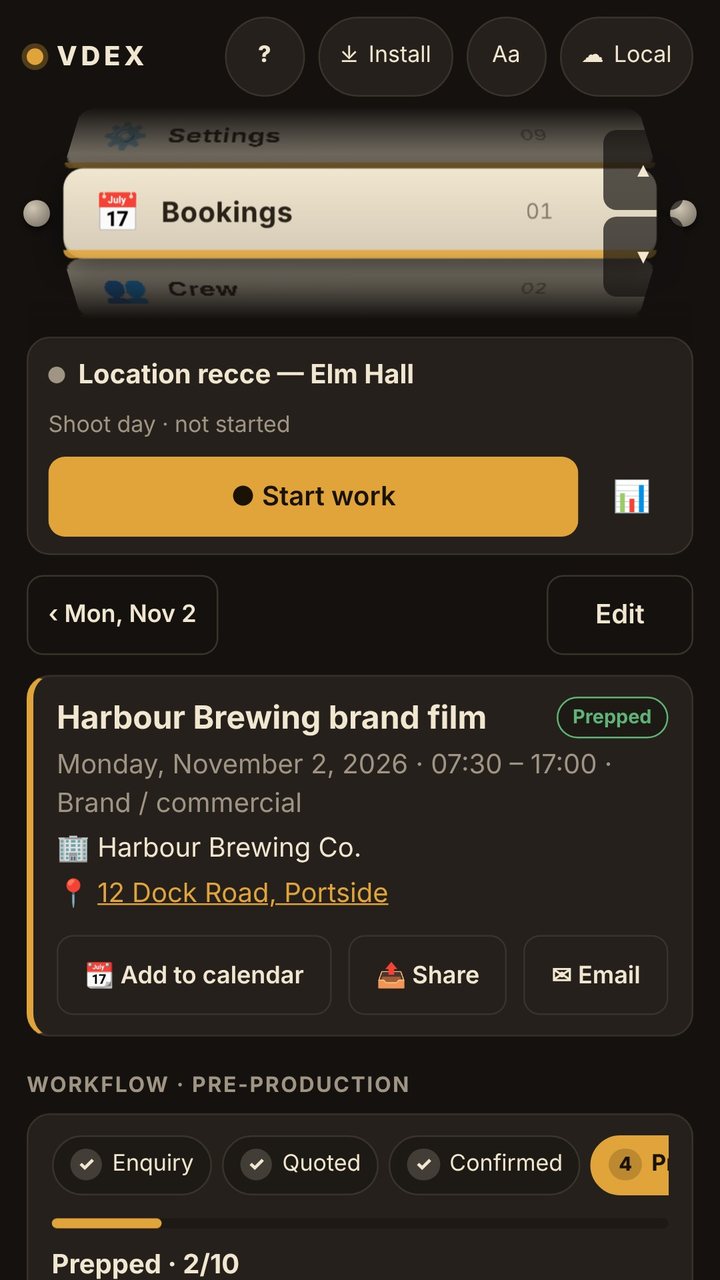
Client, address, crew, kit and hours, all on one card.
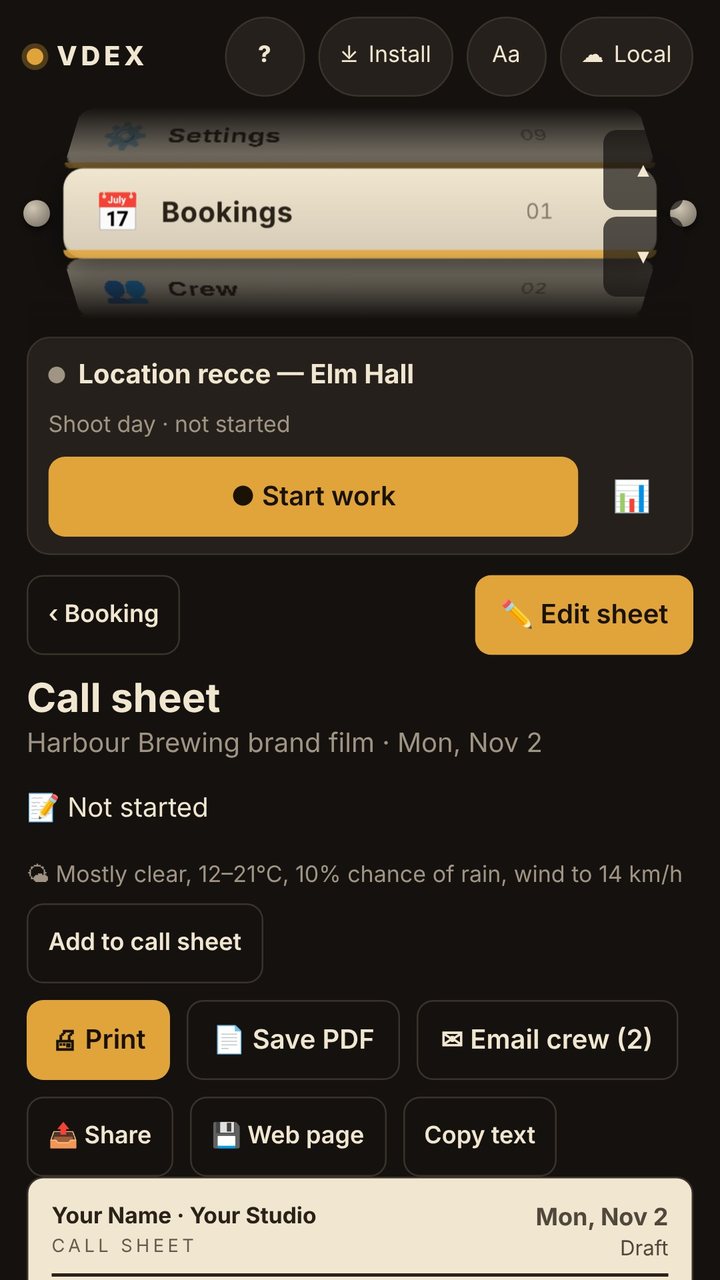
Filled in from the booking, with the weather and sunset. Email it, print it, or send the crew a link.
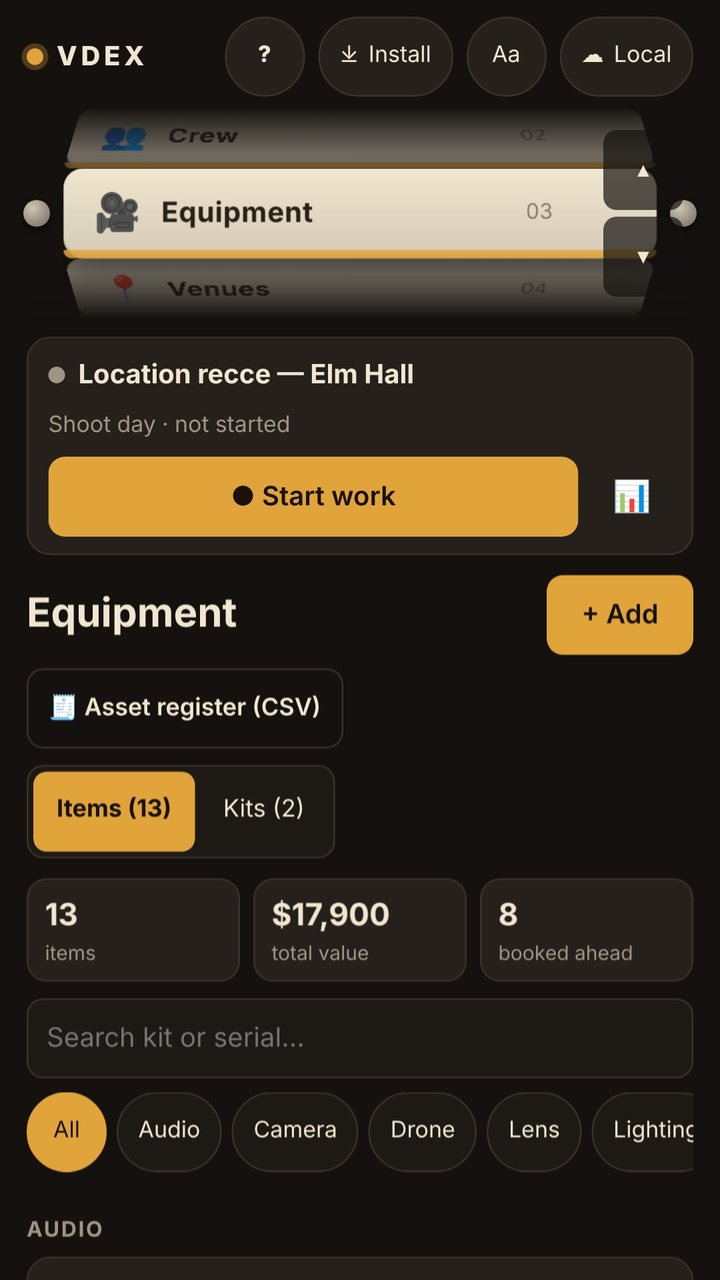
Everything you own, with serial numbers and where each item is, plus kits for the jobs you do often.
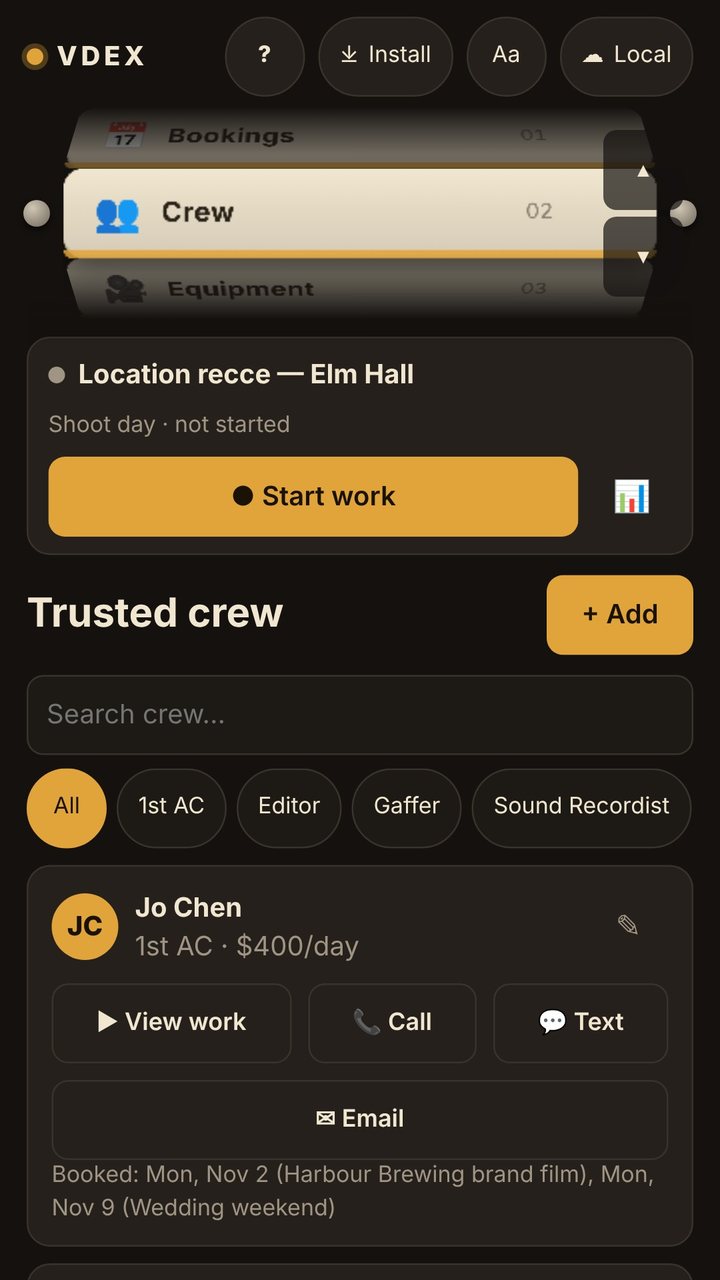
The people you work with, their day or hourly rates, and how to reach them.
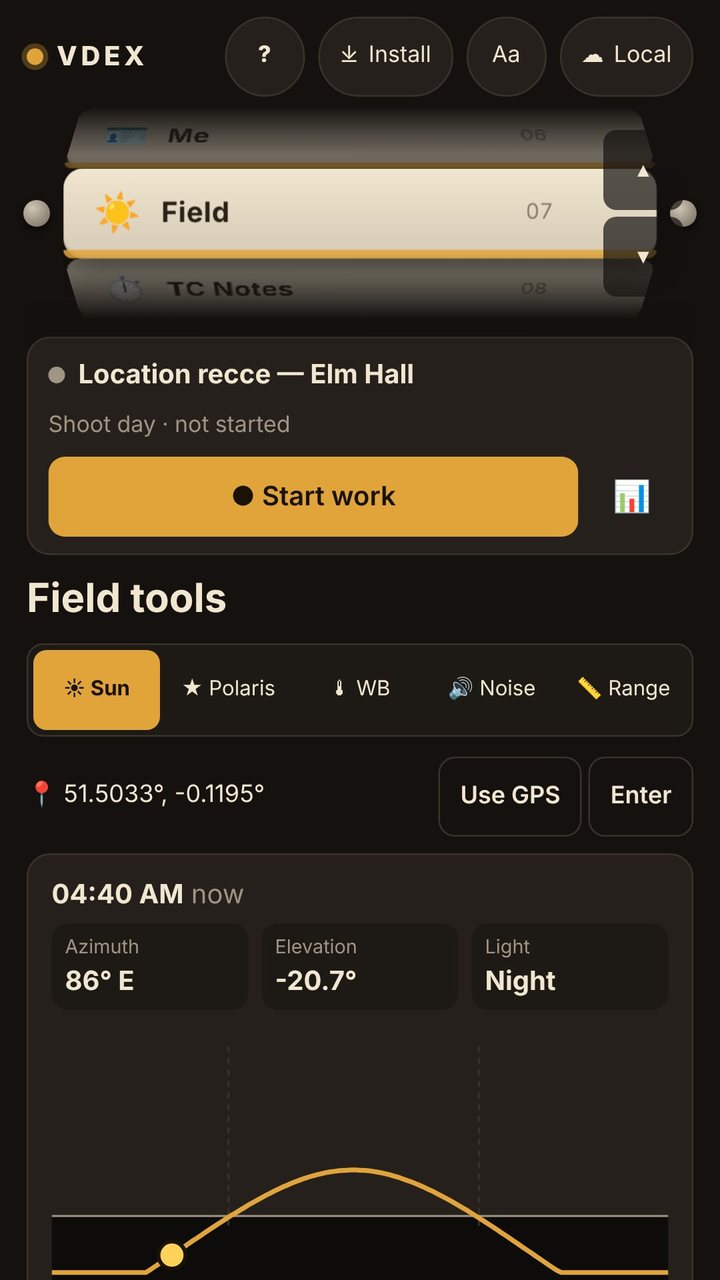
Sunrise and sunset, a white balance reader, a sound meter and a range finder.
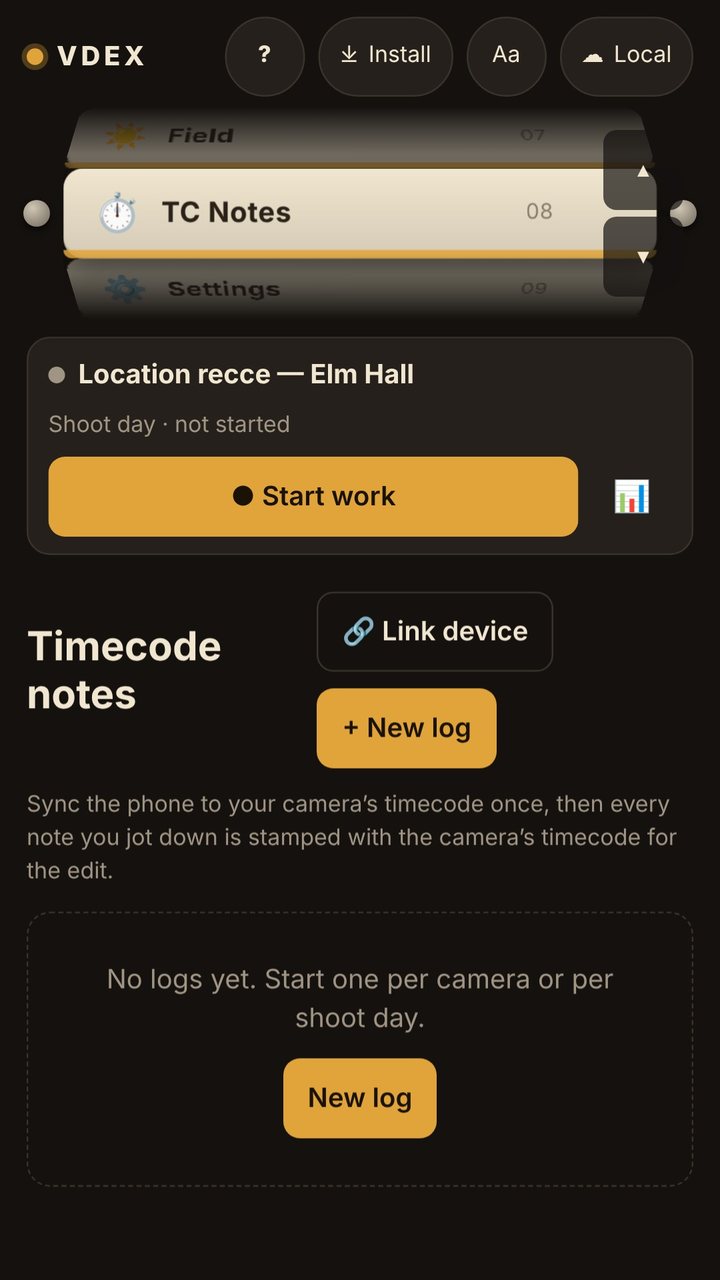
Shoot notes stamped with the camera’s timecode, ready for the edit.
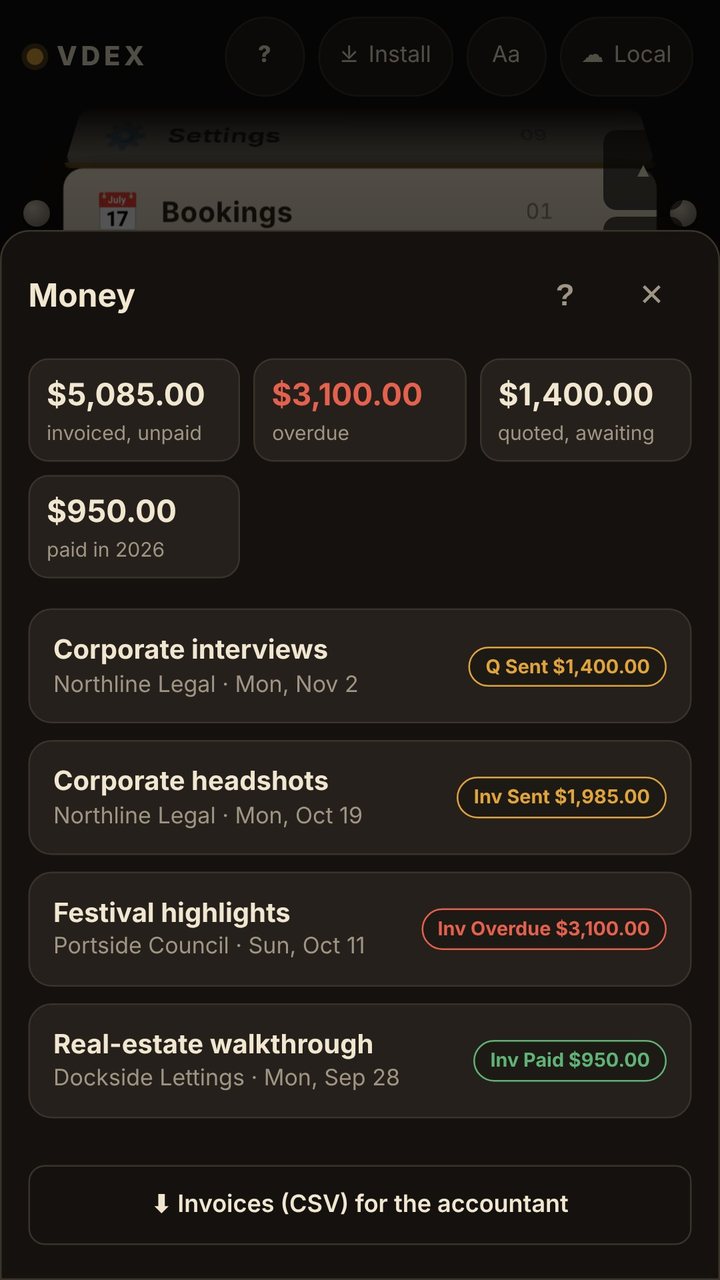
Lines suggested from the shoot, a Pay button for your client, and what’s still unpaid.
Get it
Vdex installs from its web address, with nothing to sign up for. When the trial ends, a licence is 20 US dollars once, plus any tax where you live, for up to 3 of your devices.
Open Vdex in Safari, tap Share (the square with an arrow), then Add to Home Screen.
Open Vdex in Chrome and tap Install at the top of the page.
Coming soon to Google Play
Download the desktop app for Windows, Mac or Linux, or open Vdex in Chrome or Edge and tap Install at the top of the page.
Download for Windows, Mac or LinuxYours, privately
No ads, analytics or tracking, and your work needs no account.
What you type stays on your phone or computer. It only leaves when you use a feature that needs it, like the weather forecast or your own cloud storage. Vdex’s own server only checks licences.
Vdex locks when you put the phone down and opens with your fingerprint or face. While it’s locked, your information is encrypted.
I film weddings, brands and artists across the Bay Area. Ideas for Vdex, or a shoot of your own? Get in touch.